18 - Creating the TinyTown map
Until now, I had only a test map with a basic terrain so I decided to spend some time on level design. I started by drafting a map of a small town blocked in a valley by a mountain.
My idea was to create a map with 3 attack paths for the snakes:
- One road from the north passing under a railway acting as a barrier for the player
- One canyon coming to the east
- One road coming from the west
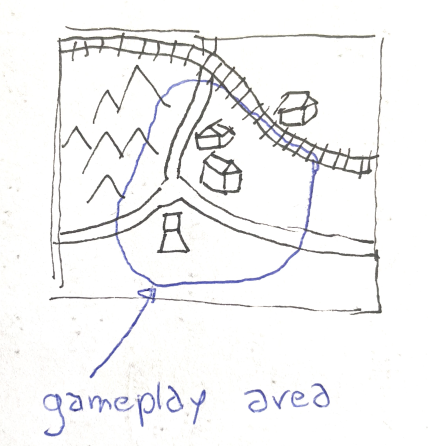
My wonderful drawing skills of a map: a first sketch
After the drawing, I started with Blender. I thought that it will be quicker for me to sculpt the map and then export it to Unreal. To do so, I followed a video made by jimmyXR: Level Up Your Landscapes in UE5 with Blender A.N.T. Landscapes. He uses the A.N.T pluggin for blender to create the map and then import it as a height map in Unreal.
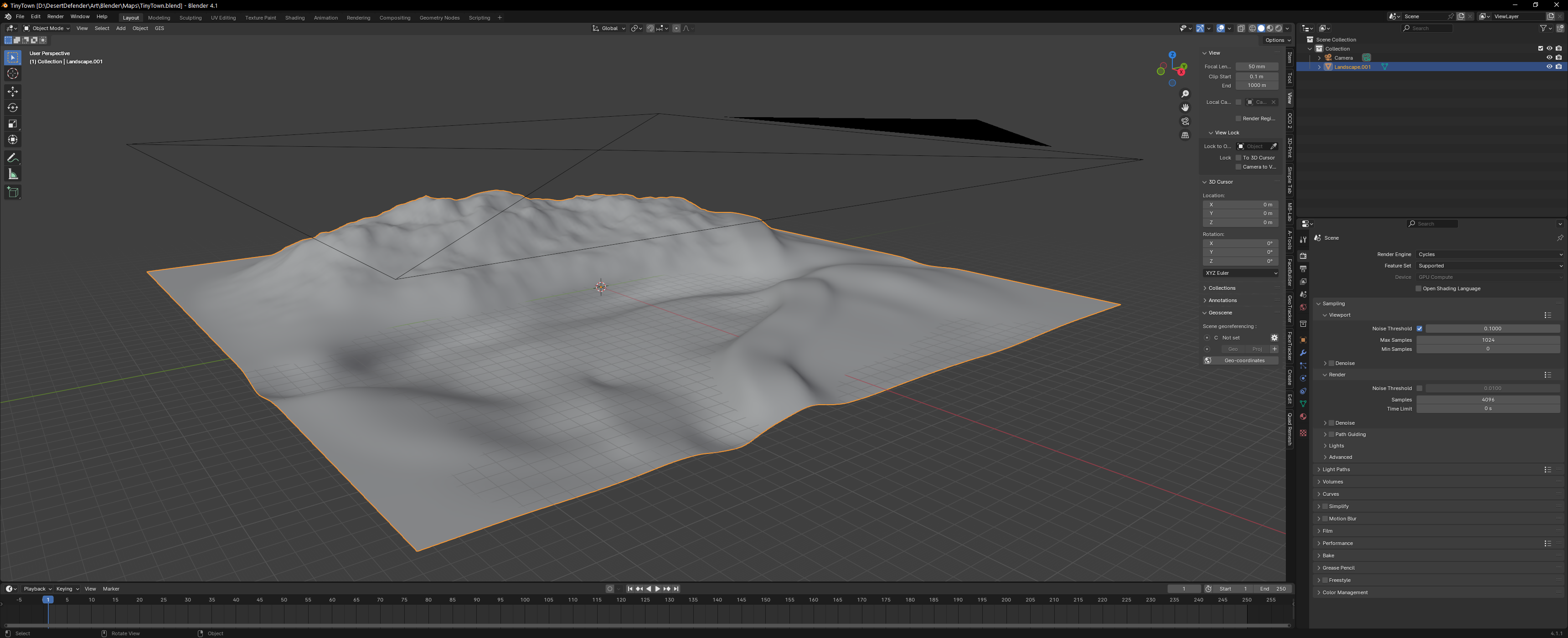
My work in Blender using the A.N.T plugin and the sculpting tools
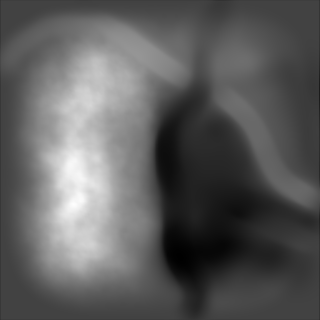
And the result as a height map
Even if I am sure that the tutorial is good, I had an issue with the resolution and after importing it, the terrain was very blocky in Unreal. To fix that, I used the landscape brushes in Unreal to smooth everything.
Also, the proportions in Blender were not as good as I thought for the game. It took me probably an hour to adjust the roads, the town terrain, the canyon and so on. After applying a basic color material, here is the final result:
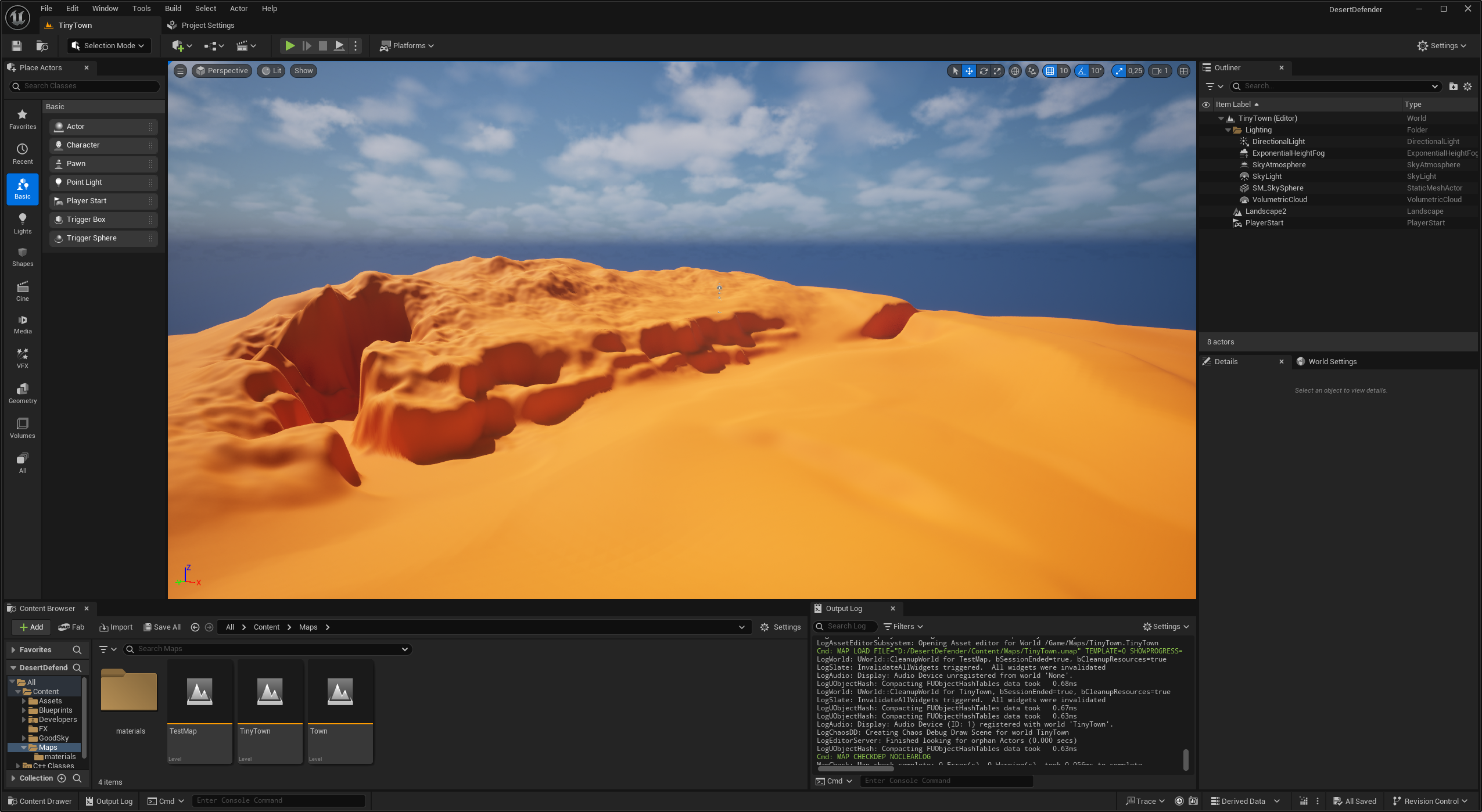
The result after polishing the terrain in Unreal
I tried also to tweak the sky and the sun settings to make the game look more cartoony with a western desert vibe. I am not totally satisfied for the moment but it will be a problem for another time.Finally, I added all the actors of the test map to make this map playable: SpawnPoints, BasePoint, navigation volume, blocking volumes. In the project settings, I included the TinyTown map to the package list and that was it.
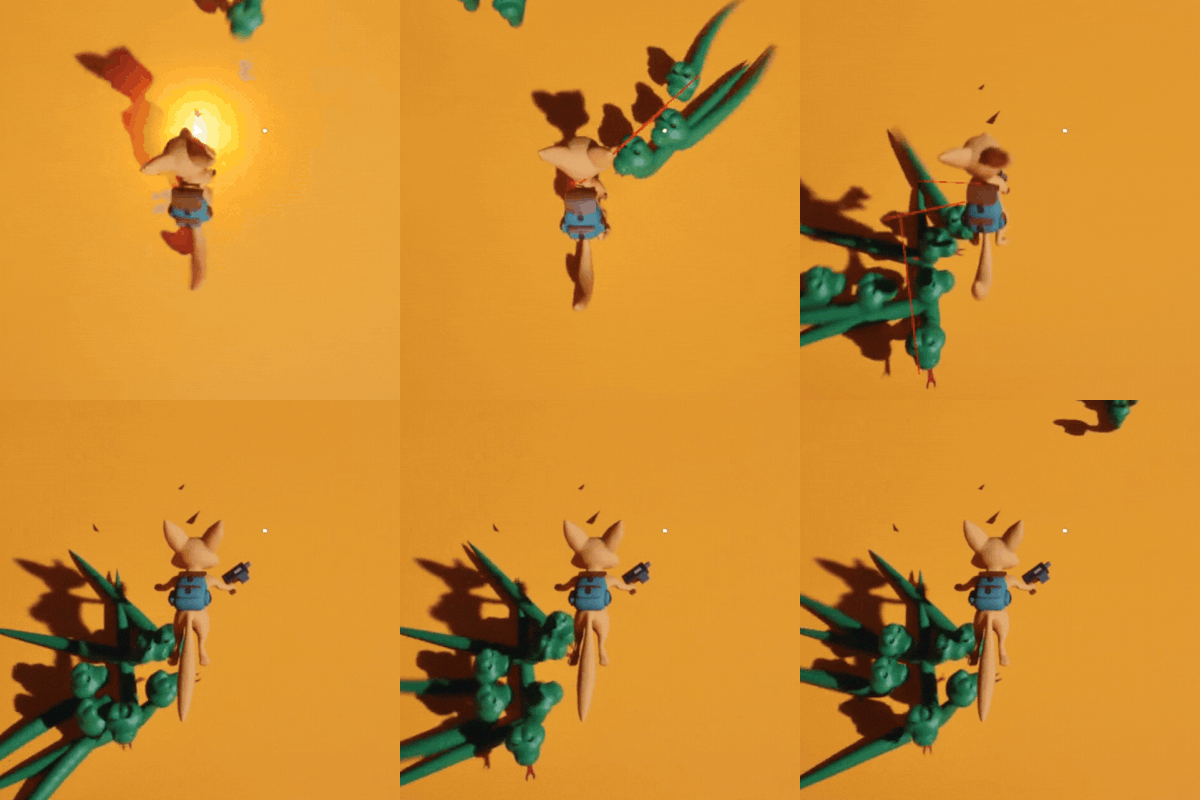
The snakes taking over TinyTown